ShopDreamUp AI ArtDreamUp
Deviation Actions


Description
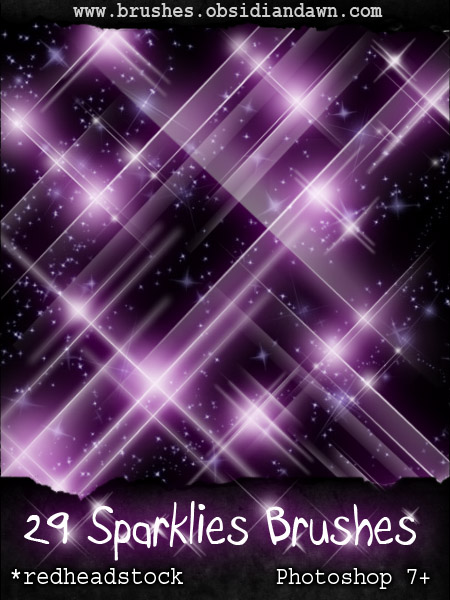
Special thanks to Stephanie (aka redheadstock [link]) for allowing me to convert and host this set of brushes she created! Please stop by her site and tell her thanks! She deserves the credit, not me. Please make sure you use these brushes in accordance with the terms and conditions listed on her site.
The original set of PS brushes can be found here:
[link]
You can also visit her on the web at this location: [link]
Enjoy!
The original set of PS brushes can be found here:
[link]
You can also visit her on the web at this location: [link]
Enjoy!
© 2007 - 2024 Project-GimpBC
Comments192
Join the community to add your comment. Already a deviant? Log In
Thank you. Used in Gimp 2.10.20. Here is my image
